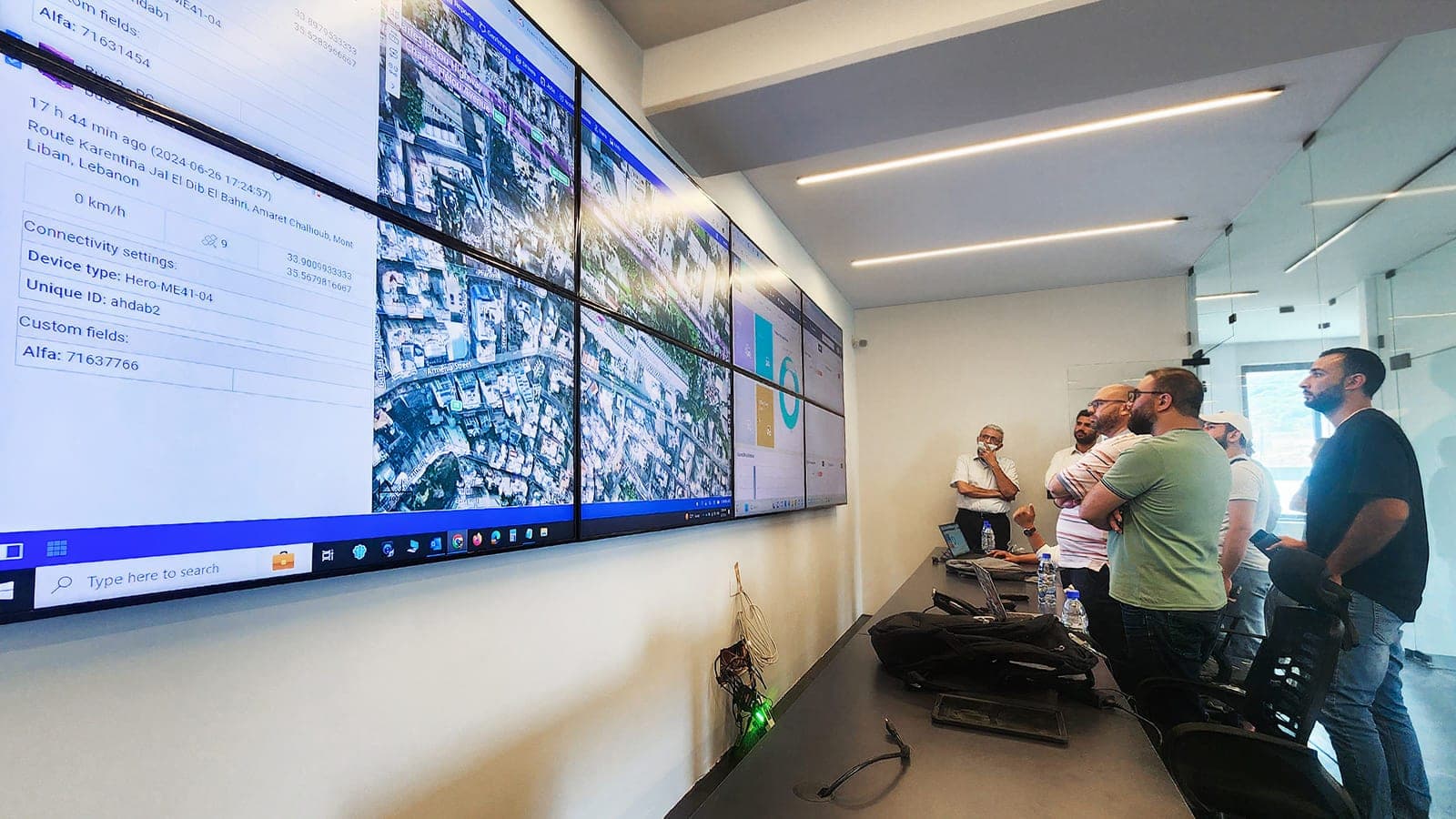

Vehicle tracking vs. fleet management: the difference
Vehicle tracking shows where a vehicle is; fleet management combines location, idling, route and maintenance data and turns it into operating decisions.
Request a demoRenokta Ekibi ·
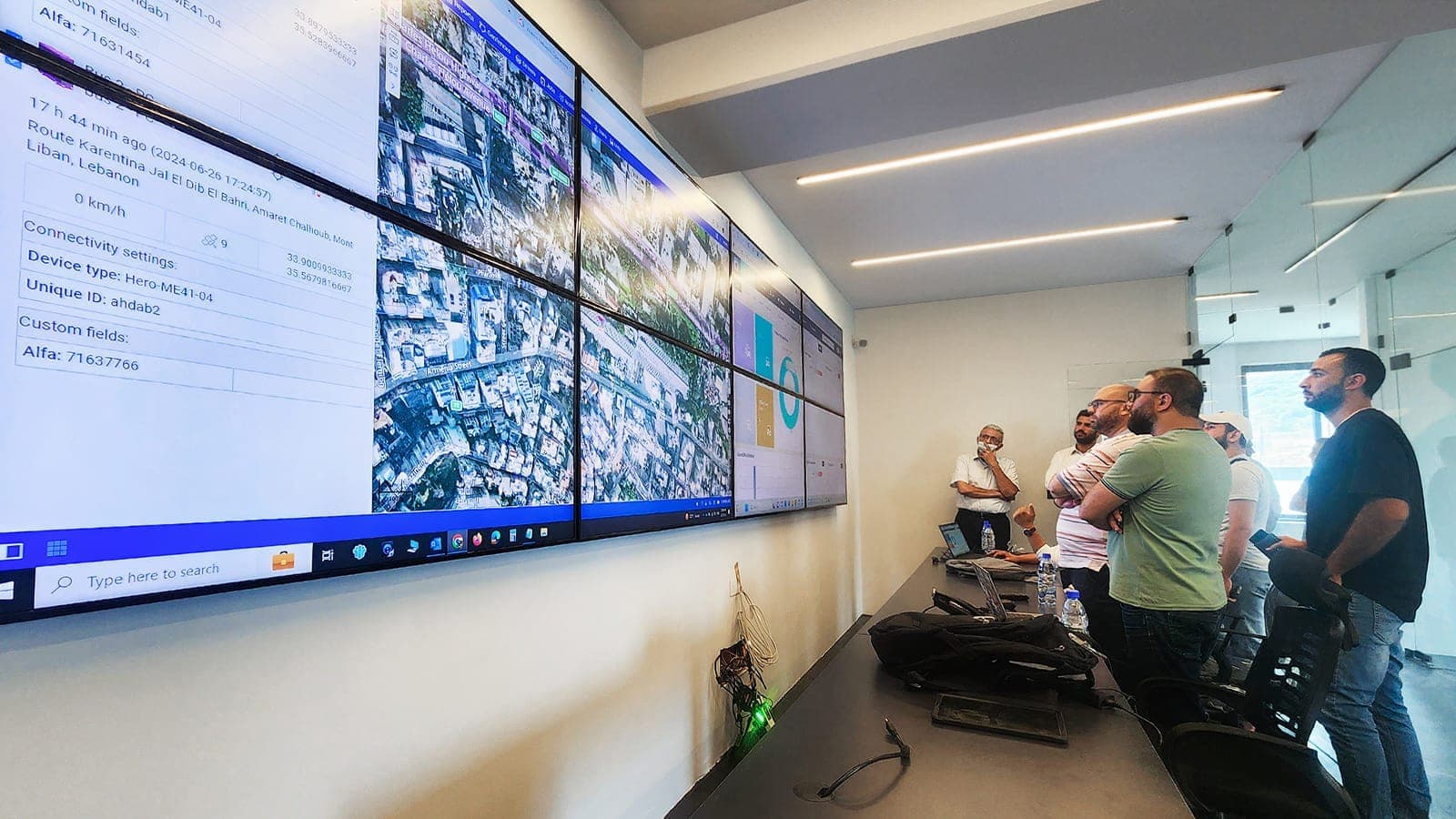
- 1. Location dataThe in-vehicle device sends position and movement to the platform.
- 2. Idling and routeThe platform picks out waiting times and off-plan deviations.
- 3. Maintenance calendarMileage or engine hours are matched to maintenance reminders.
- 4. Rules and alertsWhen a defined rule is exceeded, the right person is notified.
- 5. ReportingPer-vehicle and per-period reports support operating decisions.
Vehicle tracking is a system that monitors the location and movement of a vehicle. Fleet management adds idling, route, driver and maintenance data to that location so you can manage the whole group of vehicles. In short, tracking is a tool, while fleet management is an operating routine built with it.
What does vehicle tracking do exactly?
A vehicle tracking system collects location data through a device in the vehicle and shows it on a map. You can see where the vehicle is, whether it is moving and which path it took earlier. This is the first and basic step for dispatch and customer communication.
How is fleet management different from tracking?
Fleet management manages how, and how efficiently, a vehicle is used on top of its location. Tracking answers "where"; fleet management also looks for answers to "why, how much and what next".
- Vehicle tracking: location, movement status, past route trace.
- Fleet management: idling time, route planning, driver behavior, maintenance schedule, reporting.
- Tracking is a data source; fleet management ties that data to rules and decisions.
Why is idling monitored?
Idling is the time a vehicle stays still with the engine running, and it burns fuel. Fleet management shows these periods per vehicle and per day. Long idling can point to waiting spots or driving habits that need a second look.
How are routes and dispatch managed?
Route management compares the planned path with the path actually driven. Deviations, delays and visited stops are recorded. The dispatch team can then see which vehicle is closest to a job and make assignments more deliberately.
How does maintenance tracking fit in?
Maintenance tracking matches vehicle usage data with the maintenance calendar. When mileage or engine hours approach a limit, a reminder is generated. Maintenance is then planned ahead instead of after a breakdown. Service intervals follow the manufacturer recommendations and the conditions the vehicle works in.
How do software and hardware differ?
Hardware is the device installed in the vehicle that collects data; software is the platform that shows the data, runs the rules and produces reports. They depend on each other but should be considered separately.
- Hardware: the location device and, if needed, an interface to vehicle data and sensors.
- Software: map, alerts, route and maintenance modules, user permissions, reports.
- A question to ask when choosing: will you own the data, and can you move it to another system?
Which one fits you?
If you have a few vehicles and only want to see location, vehicle tracking may be enough. As vehicle count and workflow grow, idling, routes and maintenance come up, and that is when fleet management is needed. When deciding, think about today need together with the rules you may want to add later.
The driver side is part of fleet management too. Driving data should be used to support safe and efficient driving, not to punish people. Drivers knowing what data is collected, and this being announced openly inside the company, builds trust and helps the system get adopted. For personal data, base the practice on current regulations and official documents.
The move can also be staged. First install location tracking on all vehicles, then switch on idling and route reports, and add the maintenance calendar last. That way the team learns something new at each step, rules are tuned to real use, and the business does not face an unfamiliar system all at once.
In summary, vehicle tracking is the foundation of fleet management but does not replace it. To clarify what data to collect for your fleet and how to use it, see our vehicle tracking and fleet management solution page and contact us for a needs discovery.
Frequently asked questions
- Are vehicle tracking and fleet management the same?
- No. Vehicle tracking shows where a vehicle is. Fleet management adds idling, route, driver and maintenance data so that the whole group of vehicles can be managed.
- Does a small fleet need fleet management?
- Not always. With a few vehicles and a simple workflow, location tracking may be enough. Fleet management functions get added as the need for idling, route and maintenance tracking appears.
- What is idling data used for?
- It shows how long the engine runs while the vehicle stands still. Long idling can be a sign to review waiting spots and driving habits.
- Why evaluate hardware and software separately?
- Hardware collects data and software turns it into rules and reports. Who owns the data and whether it can be moved to another system are key decisions on the software side.
- How does a maintenance reminder work?
- The system matches mileage or engine hours with the maintenance calendar and creates a reminder as a limit approaches. Service intervals should follow the manufacturer recommendations.