
What is an emergency system?
An emergency system is a monitoring setup that detects events from sensors such as smoke, gas, panic buttons and door or window contacts, notifies the right people at once and keeps a record. The role of Renokta is detection, notification and logging; it does not provide fire suppression or rescue.
How does it work?
When an event occurs, sensors and buttons send a LoRaWAN message to the gateway. The platform receives it, runs the rule and sends the notification to the chosen channels. The event time and acknowledgement are recorded.
- Sensor or button: detects the event and creates a message.
- Gateway: carries the message to the platform.
- Platform: runs the rule, sends the notification, logs the event.
- User: receives the notification, acknowledges and starts the needed action.
Which quantities and events are monitored?
- Panic button press: to pass on a call for help with location information.
- Smoke detection: to notice the start of a fire early.
- Gas detection: to notice a leak.
- Door and window contact: to report unauthorised opening or a door left open.
- Device status: battery and link information, to confirm that the sensor works.
Which detection method should you choose?
- Wireless panic button: sends a call with a single press and needs no cabling, but the user must be able to reach it.
- Smoke detection: catches early signs of fire; placement and environment (steam, dust) should be considered to limit false alarms.
- Gas detection: the sensor is chosen by gas type, and different gases may need different sensors.
- Door and window contact: reports opening, but alone does not show whether the door is locked.
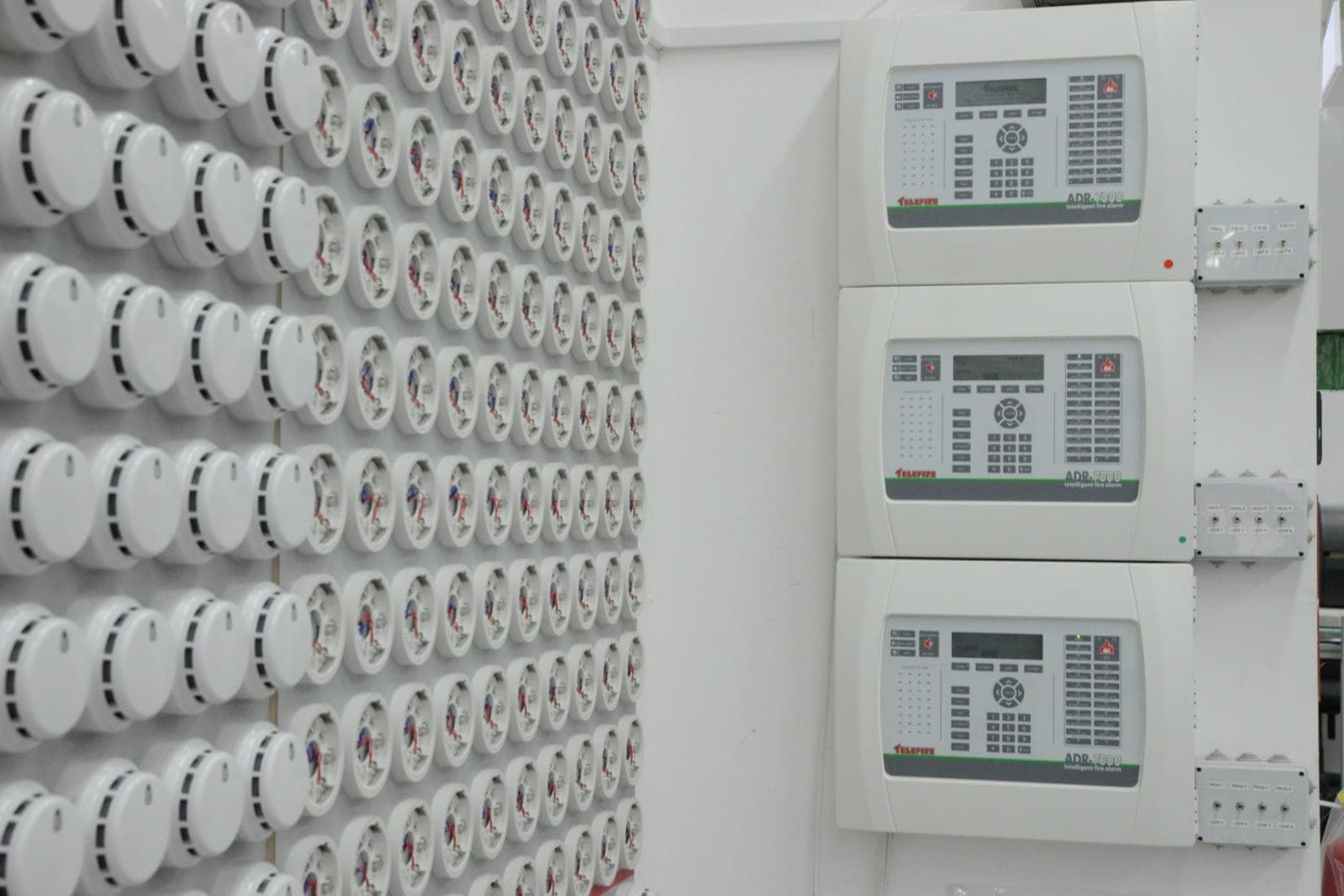
- Connection to an existing fire panel: the event output of the panel can be taken for information; the function of the panel does not change.
Who is it for?
- Factories and warehouses: lone workers and hazardous areas.
- Offices and business centres: panic buttons and door monitoring.
- Schools, dormitories and healthcare sites: help calls and area monitoring.
- Hotels and accommodation: event reporting for rooms and shared areas.
- Building management: shared areas and technical rooms.
How do alarms and notifications work?
When an event is detected, the rule fires and a notification goes to the chosen channels (message, e-mail, dashboard). An escalation order can be defined so that an unanswered notification goes to a second person. Acknowledgement is logged with the event and time.
If a sensor loses its link or the battery runs low, the platform raises this as a separate alert. Without a connection an event cannot be delivered, so coverage and device status should be checked regularly.
This system does not replace the fire detection and alarm systems required by local regulations; it is designed as an added layer of information and records.
Integration with existing systems
Events can pass through MQTT or an API to building automation, security monitoring software or a call system. Connections to existing panels are adapted to the need, and the scope is set during the survey.
Data privacy and security
The system collects event, time and device information; it records no images or sound. Because a panic button press can identify a person, access to records is limited by role. Communication and platform access are set up with encryption and authentication. A GDPR or KVKK assessment is done with your own privacy notice and legal adviser.
Installation process and what a quote needs
During the survey, risk areas, doors and existing panels are walked through and radio coverage is tested. Devices and the notification flow are tried in a pilot area before moving to other areas.
For a quote, the area to be monitored, the number of doors and buttons, the event types to detect and the people to be notified are enough. Contact us with these details and we will plan the survey together.
Highlights
Wireless panic button
A single press sends a call for help; it can be placed anywhere without running cables.
Smoke and gas detection
Smoke and gas sensors report to the platform when an event occurs, and chosen people are notified.
Door and window contacts
Unauthorised opening or a door left open is reported, and the event is logged with its time.
Notification order and acknowledgement
Recipients are ordered, the event is acknowledged and the whole sequence is recorded.
Device health monitoring
Battery and link status are tracked, and a sensor that stops reporting raises a separate alert.