
What is a LoRaWAN sensor infrastructure?
A LoRaWAN sensor infrastructure is a wireless network that carries readings from battery-powered sensors over the license-free sub-GHz band, at low data rates and across a wide area, through gateways to a platform. It is used to collect small, infrequent measurements such as temperature, humidity, occupancy, water leaks or meter data without running cables.
How does it work?
LoRa is the radio modulation, a form of spread spectrum; LoRaWAN is the network and access protocol defined by the LoRa Alliance. The topology is star-of-stars: sensors talk directly to a gateway, and the gateway forwards data over an IP link to the network server.
- The sensor broadcasts a reading as a small payload.
- One or more gateways in range receive the packet and forward it to the network server.
- The network server validates the packet, removes duplicates and passes it to the application server.
- The platform decodes the payload, shows it on a dashboard, stores history and runs alarm rules.
Because the data rate is adaptive (ADR), devices near a gateway use fast, short transmissions while distant ones use slower, more robust ones. This balances battery use and network capacity.
Which quantities and devices connect?
- Temperature and humidity: monitor warehouse, cold room, office and production conditions.
- Water leak sensors, water meters and gas meter pulse inputs: track consumption and detect leaks remotely.
- Occupancy, door and motion: show space use and doors left open.
- Air quality and noise: track comfort and limit breaches.
- Current and energy measurement: measure consumption without new wiring.
- Location and status: follow mobile assets and vehicles.
Milesight offers sensor and gateway types for these measurements; which model fits depends on the quantity, the environment and the reporting interval, and is chosen during the site survey.
How are device classes and power managed?
- Class A: the device listens briefly after each uplink. It has the lowest power use, and downlink commands can only arrive after an uplink. It suits most battery sensors.
- Class B: the device listens at scheduled intervals. Commands arrive at more predictable times, but it needs extra synchronization.
- Class C: the device listens almost continuously. Commands arrive immediately, but it needs a mains power supply. It suits outputs such as valves or relays.
- Activation: OTAA creates fresh session keys for each device and is preferred; ABP keeps keys fixed and offers more limited security.
Battery life and range vary with the device, the reporting interval, the data rate and the environment, so a general figure would be misleading. A coverage plan and a pilot measurement settle expectations on site.
Who is it for?
- Industrial and logistics operators with several buildings, depots or sites
- Facility teams that want to read water, gas and energy meters remotely
- Smart city, municipal and residential complex projects
- Agriculture, greenhouse and outdoor monitoring
- Existing buildings where cabling is difficult or costly
Coverage planning and gateway placement
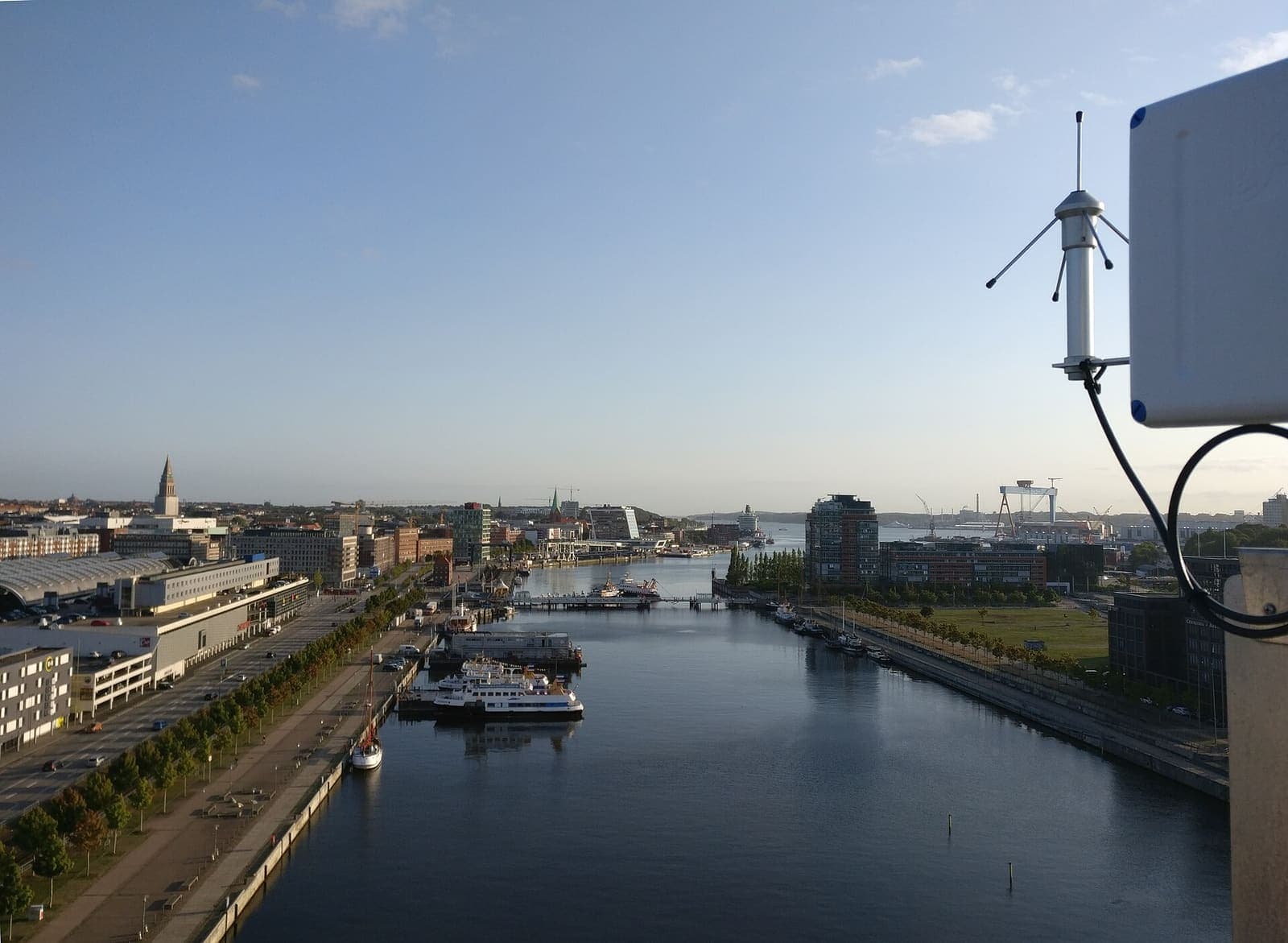
Gateway placement is the biggest factor in coverage. A gateway mounted high, with a suitable antenna and clear of obstacles, covers far more area. Concrete, metal shelving and basements weaken the signal.
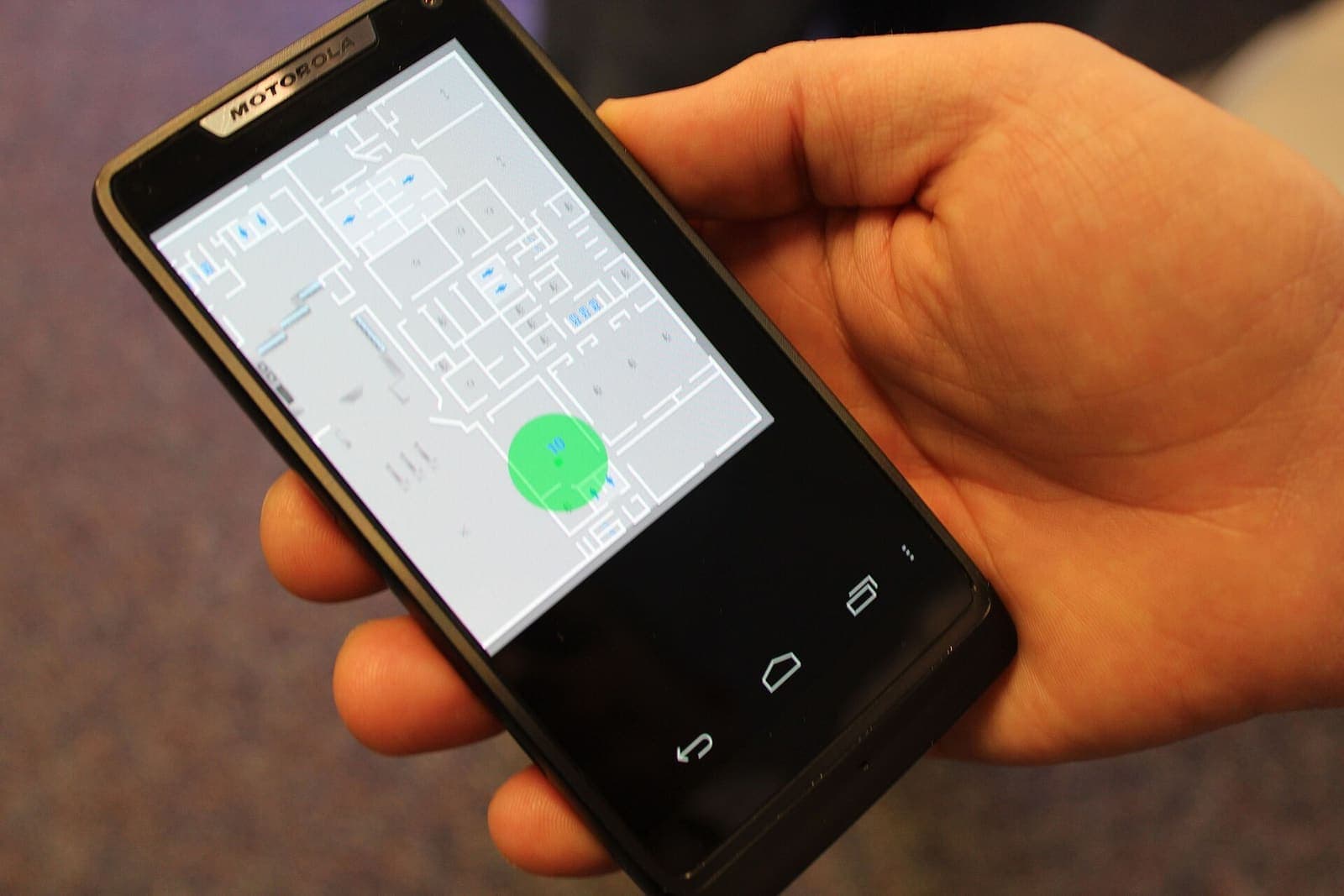
- During the survey, a site map is drawn and sensor points and candidate gateway locations are marked.
- A coverage measurement checks signal strength and packet success at critical points.
- If needed, a second gateway is added, which improves both coverage and redundancy.
- Power and internet connection for the gateway are planned from the start.
How do alarms and notifications work?
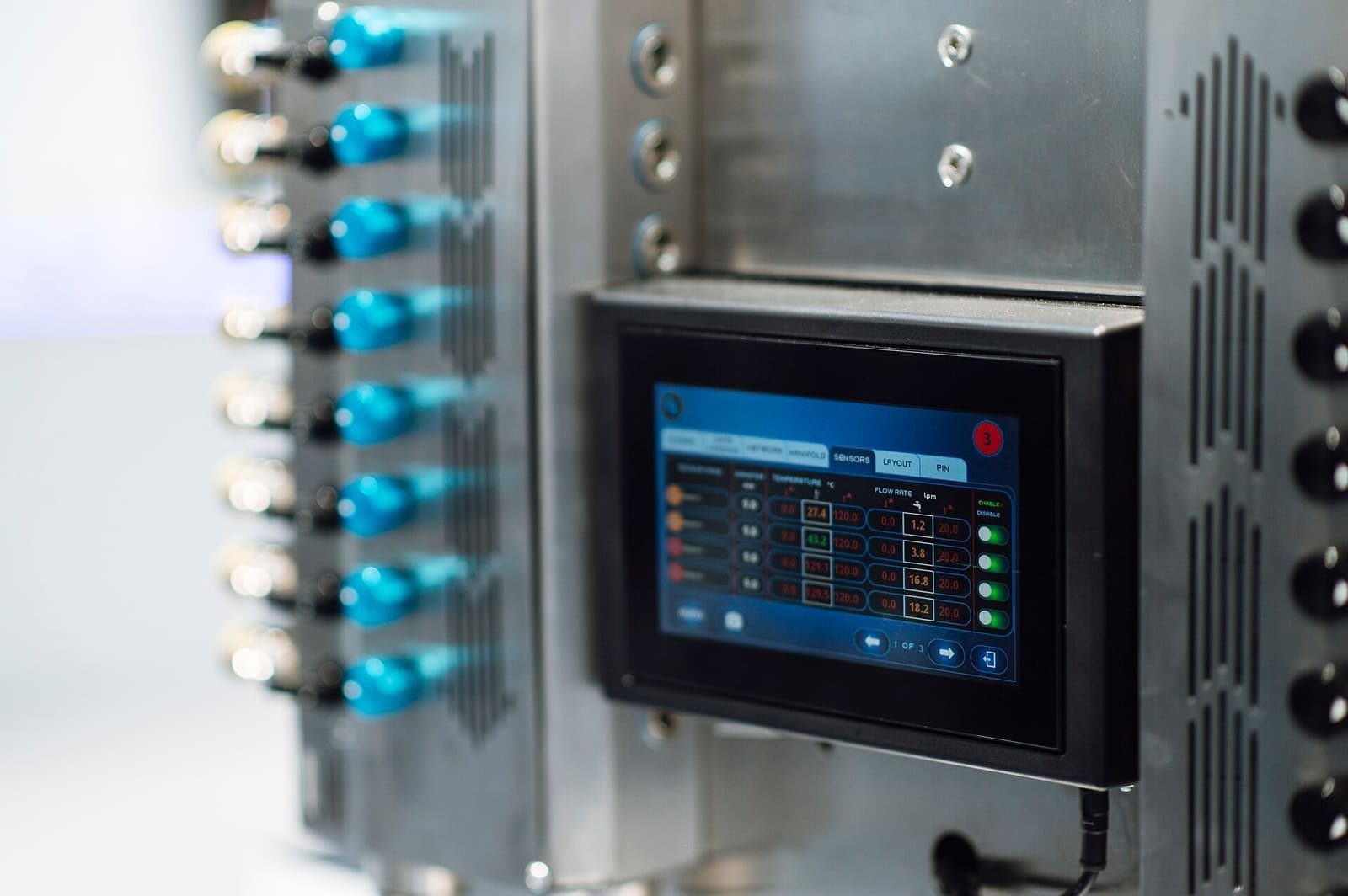
Thresholds are set on the platform. When a value crosses a threshold, an alarm is raised and sent through the chosen channels (screen, email, message); the person responsible acknowledges it and the event is logged with a timestamp. A sensor that stops reporting can be watched with its own rule.
If the link between the gateway and the server drops, gateways with a local buffer forward the data once the link returns; this depends on the chosen gateway and its configuration. Class A devices may not retransmit, so for critical readings this is handled in the design.
The LoRaWAN network server can pass data to the application server through interfaces such as MQTT, HTTP or an API. Data can then flow to a building management system, SCADA, ERP or reporting tools. The interface used is adapted to your needs and settled in the survey. If you already run a LoRaWAN network, new devices can be added to it.
Integration, data privacy and security
LoRaWAN uses two layers of AES-128 encryption, with a network session key and an application session key, so data is protected end to end. Sensors collect measurement data; collecting personal data is not the aim.
Good practice includes storing device keys safely, using OTAA, role-based access on the platform and keeping gateways up to date. Retention periods and the data protection assessment are handled with your own privacy notice and legal counsel.
Installation process and what a quote needs
The survey comes first and covers the site, obstacles and sensor points. Then a pilot is set up with a few gateways and sensors, coverage and alarms are verified, and the rest of the points follow. Timing depends on coverage and point count and becomes clear in the survey.
For a quote, the quantities to measure, an estimated point count, the size and structure of the site, and your current network and platform are enough. You can share them through the contact form. For short-range indoor location needs, see our BLE solution as well.
Highlights
Wide-area wireless coverage
A single gateway covers battery sensors across a wide area, so no cabling is needed.
Battery sensors, easy upkeep
Low-power devices send occasional readings; battery life depends on the reporting interval and environment.
End-to-end encrypted data path
Network and application session keys give AES-128 encryption from the sensor to the platform.
Coverage plan and site measurement
Gateway position and antenna choice come from a site survey and a coverage measurement.
One dashboard for all data
Sensors of different types and makers are collected on one platform with alarms and reports.