

How to measure CO2 and occupancy in an office
Place the CO2 sensor at breathing height, away from vents, and read it with occupancy data so ventilation follows how each room is actually used.
Request a demoRenokta Ekibi ·
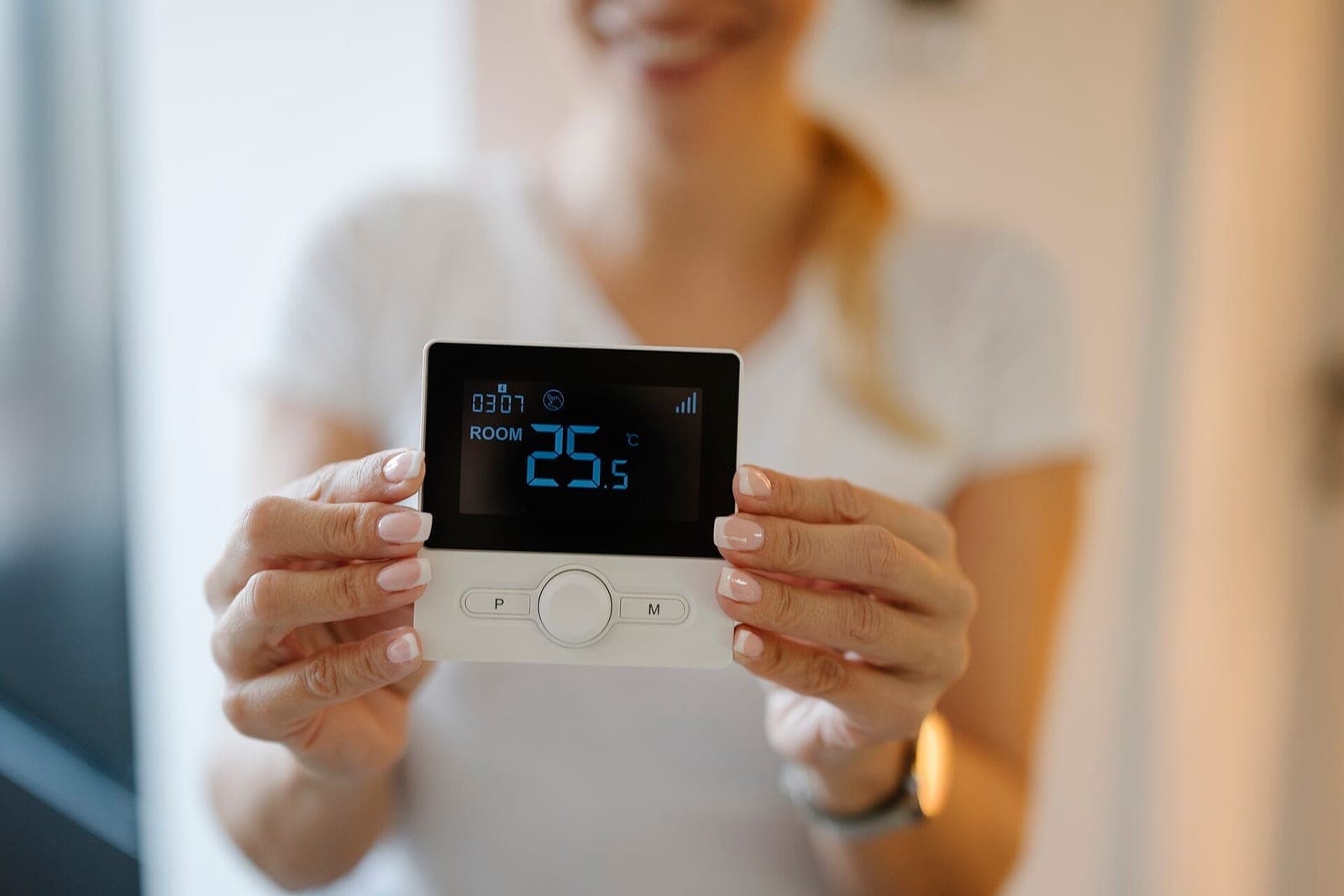
- 1. CO2 readingThe sensor reads room CO2 at breathing height.
- 2. Occupancy readingA people counting or presence sensor gives how heavily the room is used.
- 3. Combined on platformBoth feeds are read on one timeline and compared with the threshold.
- 4. Ventilation decisionVentilation steps up with occupancy and eases off when empty.
- 5. ReportingThe weekly pattern supports room and schedule decisions.
CO2 measurement in an office is an indirect indicator of how well indoor air is being refreshed. As people breathe out, CO2 rises, and the sensor reports it in ppm. Adding occupancy data shows which room really needs ventilation, and at what time of day.
What does a CO2 sensor show in an office?
A CO2 sensor shows the combined effect of how many people are in a room and how well it is ventilated. A rising value means the room has filled up or fresh air is not keeping pace. The sensor does not measure other pollutants on its own, so treat the reading as an air quality indicator, not a precise health measure.
Where should the sensor be placed?
Put the sensor at breathing height and at a point that represents the room. A good device in a bad spot gives misleading data.
- Choose a height between desktop level and eye level, not at the floor or ceiling.
- Stay away from windows, doors, air vents and the spot right where people exhale.
- Use one sensor per fast-filling room such as a meeting room, and several by zone in an open office.
- Avoid surfaces that get direct sun or sit near a heat source.
Why read occupancy together with CO2?
CO2 shows the result but not the cause. Occupancy explains it: how many people used the room, for how long, and did CO2 rise in line with that? This way ventilation does not run needlessly in an empty room, and it does not start late in a full one.
Occupancy can come from a people counting sensor or from room-level presence detection. Which one fits depends on the purpose of the room and the level of detail you want.
How is the ventilation decision made?
The ventilation decision comes from evaluating the CO2 threshold and the occupancy state together. The threshold depends on the building and its use; current regulations, official documents and the ventilation designer should be the basis.
- If the room is empty, ventilation stays low or off.
- As occupancy rises, ventilation is stepped up before the CO2 threshold is reached.
- If the threshold is exceeded, the responsible person gets an alert, and repeated breaches are reviewed for meeting habits or room capacity.
What business decisions come out of the data?
Data collected over time shows which rooms stay full or empty. That supports decisions about meeting room allocation, desk layout and ventilation schedules. It is more reliable to look at the pattern over several weeks than at a single day.
A fictional example: a small four-person meeting room is occupied only briefly each day, yet CO2 rises often. The issue is not room capacity but the room ventilation capacity, and the fix is sought there.
What matters during installation?
Decide the device calibration needs, power source and communication type up front. Battery-powered wireless devices can be placed without running cables, which makes retrofits in existing offices easier. For people counting, privacy matters too, so prefer solutions that produce only numbers and record no images.
Another advantage of wireless sensors is that placement can be changed later. When the office layout changes or a zone reads differently than expected, a sensor can simply move elsewhere. This lowers the pressure to plan everything perfectly at first install; starting with a few representative points and expanding based on the data is a sensible path.
Who receives the alerts should also be agreed early. Facility management, the office lead and the building operator may each want different information. Sending every alert to everyone leads to alerts being ignored, so threshold breaches can go only to the responsible person while a daily summary goes to management.
In short, CO2 and occupancy measurement lets you manage ventilation by data instead of guesswork. If you want to plan which sensors go where in your office, see our smart office solution page and get in touch for a needs discovery.
Frequently asked questions
- How many CO2 sensors does an office need?
- It depends on the size and use of the space. Fast-filling rooms such as meeting rooms usually get one sensor each, and an open office is divided into zones with a few sensors.
- Is a CO2 sensor enough on its own?
- No, because a high value does not tell you why it is high. Read together with occupancy data, it shows whether the room is crowded or its ventilation is inadequate.
- Do I need cameras for occupancy?
- No. People counting or presence sensors that output only numbers and store no images can track occupancy, which is a more comfortable path for privacy.
- Who sets the CO2 threshold?
- The threshold depends on the building and its use. Base it on current regulations, official documents and the ventilation designer, then define it as an alert on the dashboard.
- Can wireless sensors be installed in an existing office?
- Yes. Battery-powered wireless sensors can be placed on a wall or desk without cabling. Still, check the gateway location and communication coverage in the building beforehand.