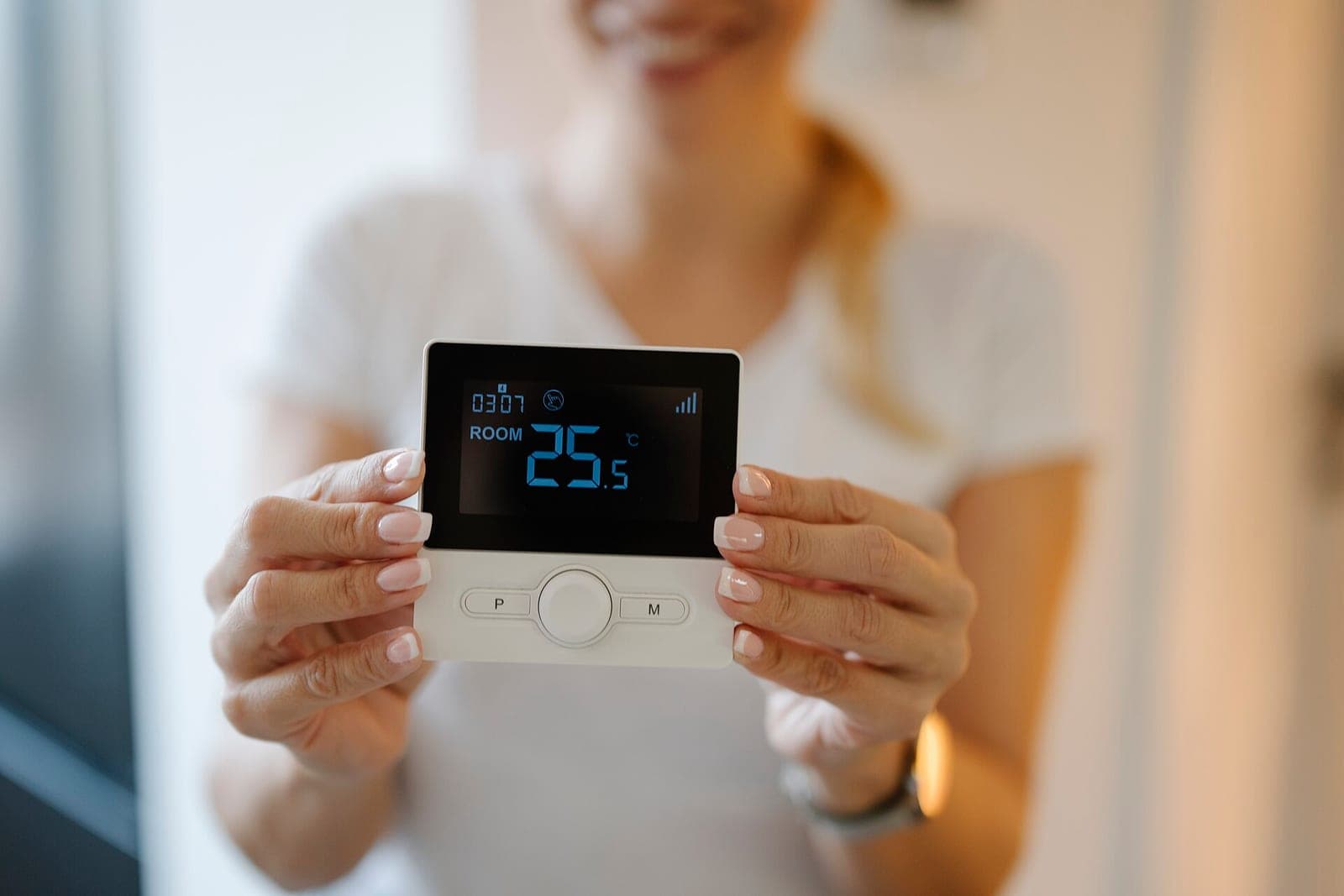

How hotel room occupancy detection works
Occupancy detection works out whether a room is in use and adjusts HVAC and lighting to match; door and window sensors keep room energy use consistent.
Request a demoRenokta Ekibi ·
- 1. Door and motionSensors read entry, exit and activity inside the room.
- 2. Room stateThe platform labels the room as occupied, empty or being prepared.
- 3. Window checkIf a window is open, the HVAC pauses or staff get an alert.
- 4. Setpoint profileA comfort or economy profile is applied based on room state.
Hotel room occupancy detection is a system that uses sensors to tell whether a guest is in the room and adjusts air conditioning and lighting to match. Reading door, window and motion data together avoids wasting energy in an empty room while keeping comfort when a guest is inside.
How does occupancy detection work?
The system reads motion and door status to decide whether a room is occupied, empty or being prepared. One sensor alone is not enough, because it is easy to mistake a still guest for an empty room. That is why several data points are usually evaluated together.
- A motion or presence sensor tracks activity in the room.
- A door sensor records entry and exit.
- A window and balcony door sensor reports openings left open.
- An in-room temperature sensor measures the effect of the HVAC.
How is room energy managed?
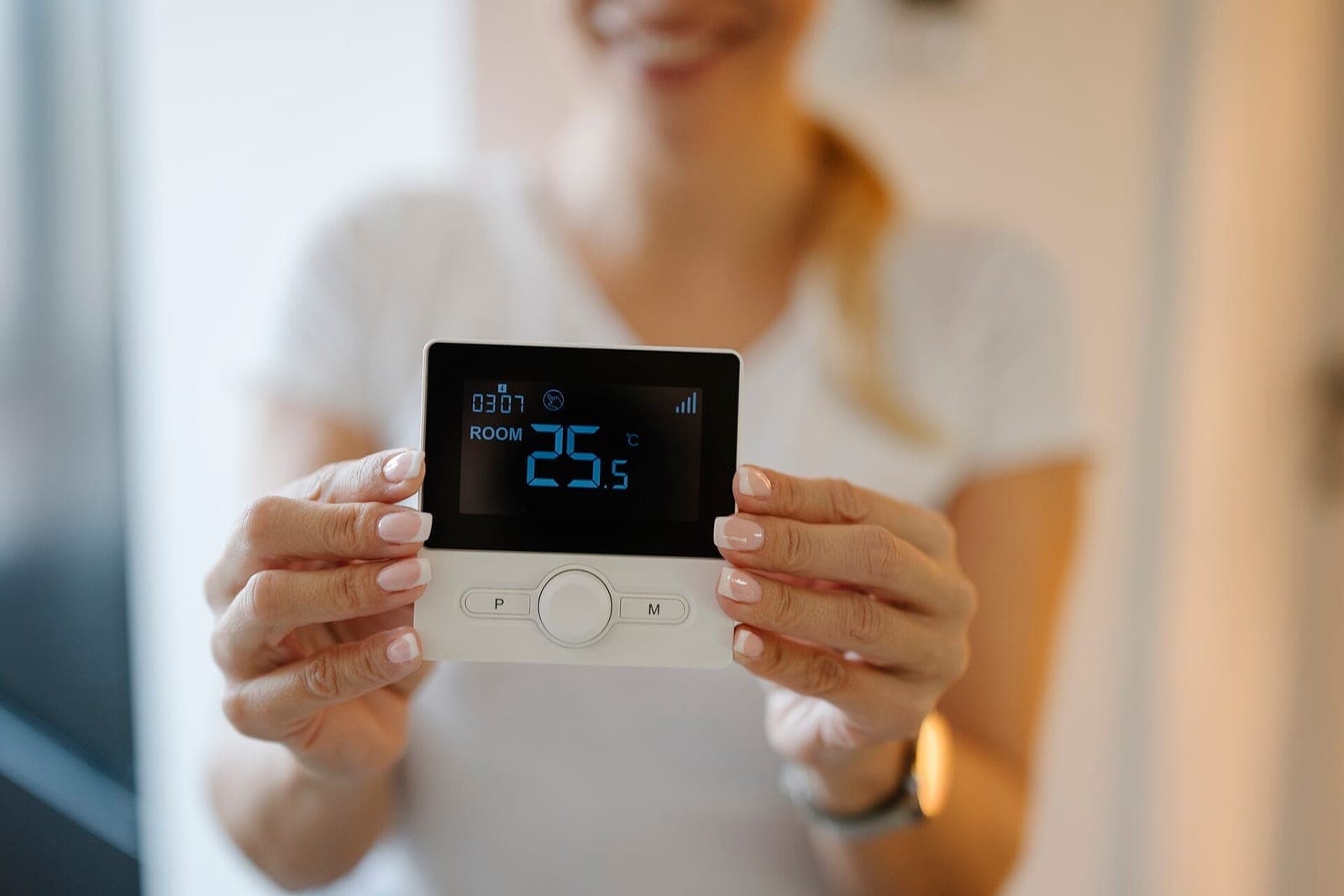
Room energy is managed by applying a different setpoint profile depending on the room state. A comfort profile applies when a guest arrives, and an economy profile applies when they leave. Heating or cooling an unoccupied room stops being an unnecessary load.
- If the room is empty and unsold, the setpoint drops to the lowest usage profile.
- If the room is sold but the guest has not arrived, it moves close to comfort before arrival.
- While the guest is in the room, their preferred setting is kept.
- After the guest leaves, the setting moves to the economy profile once a set waiting time passes.
Why do door and window sensors matter?
If the air conditioning runs with a window open, energy escapes outside, and a door and window sensor catches this. When the sensor reports an open window, the system can pause the HVAC or alert staff. A door sensor also makes clear when the room emptied, which reduces motion sensor misreads.
How is guest comfort protected?
Comfort is protected when the saving rules are built so they do not spoil the guest experience. The room should already be near a suitable temperature as the guest enters, and the system must not treat a sleeping guest as an empty room. Waiting times and night rules are defined separately for this.
Guests must also be able to set things themselves. The wall control or room panel should override automation, and the system should never block a guest preference.
What about privacy?
Occupancy detection should use sensors that produce only presence information and record no images. No camera or audio is used in the room; the system only knows whether it is occupied or empty. Define clearly what data is collected, how long it is kept and who can access it, and base personal data handling on current regulations and official documents.
What does hotel management learn from the data?
Occupancy and device data per room give a shared basis for housekeeping plans, maintenance and energy profile follow-up. A window that stays open or a sensor that stops reporting reaches the maintenance team quickly. Combined with front desk and housekeeping records, processes become easier to follow.
During installation, rooms need to be handled one by one. Suites, standard rooms and accessible rooms may call for different layouts and rules. Pick sensor positions with furniture layout and the room entrance in mind, then trial a few rooms first and roll the rules out to the whole property only after that.
Staff should not be forgotten. The housekeeping team should know how the system reads their entry into a room, and settings must not change inappropriately even if the room looks empty during cleaning. The maintenance team should see alerts and device status on a single screen. This preparation helps the system fit into daily operations smoothly.
In short, occupancy detection is a measurable way to manage hotel room energy without giving up guest comfort. To discuss suitable sensors and rules for your property, see our smart hotel solution page and contact us for a needs discovery.
Frequently asked questions
- Are cameras used for occupancy detection?
- No. The system works with sensors that output only motion or presence information and record no images or audio; knowing whether the room is occupied is enough.
- Can a sleeping guest make the room look empty?
- Not in a properly set up system. A door sensor, waiting times and night rules are used together, so a room is not counted as empty just because nobody is moving.
- What does a window sensor do?
- It stops the air conditioning from running pointlessly while a window or balcony door is open. The sensor reports the state, and the system can pause the HVAC or alert staff.
- Can guests change the room temperature themselves?
- Yes, they should be able to. The room control is built to override automation, so the system only moves to the economy profile in an empty room and never blocks a guest preference.